All-in-one Developer Toolkit

Your local-first developer tools, all in one box.

Format JSON, compare API responses, validate schemas, decode JWTs, and run everyday utilities locally in your browser.
100% local No sign-up No payload tracking Privacy-first
DevToolsBox
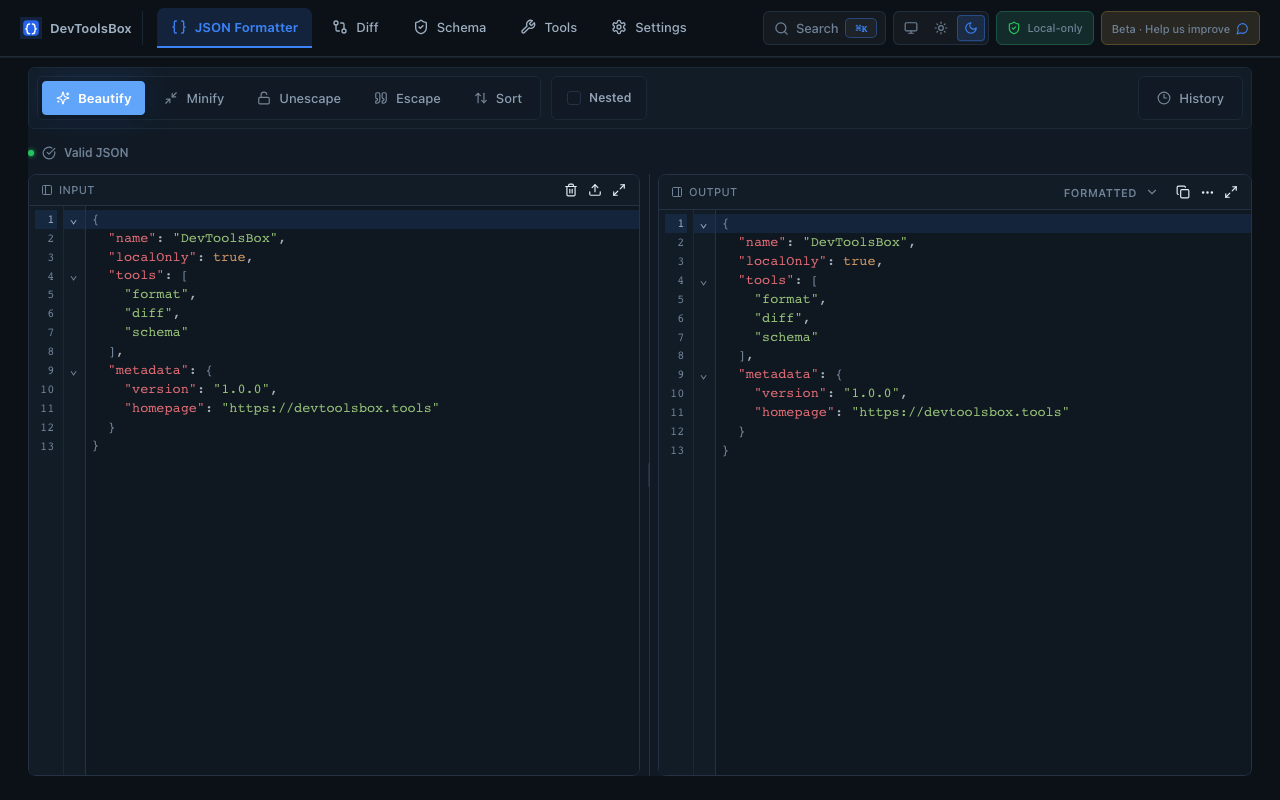
InputPaste
{
  "name": "DevToolsBox",
  "localOnly": true,
  "tools": ["json", "diff", "schema"]
}
OutputFormatted
{
  "name": "DevToolsBox",
  "localOnly": true,
  "tools": [
    "json",
    "diff",
    "schema"
  ]
}
100% local & privatePayloads stay in your browser.
Fast & lightweightNo server round trips.
Developer-friendlyKeyboard-first, clean UI.
Open roadmapBuilt for daily workflows.

Everything you need. Right where you need it.

DevToolsBox brings common developer utilities together with a premium, local-first workflow.
  • JSON FormatterBeautify, minify, sort, escape, validate, and inspect JSON.
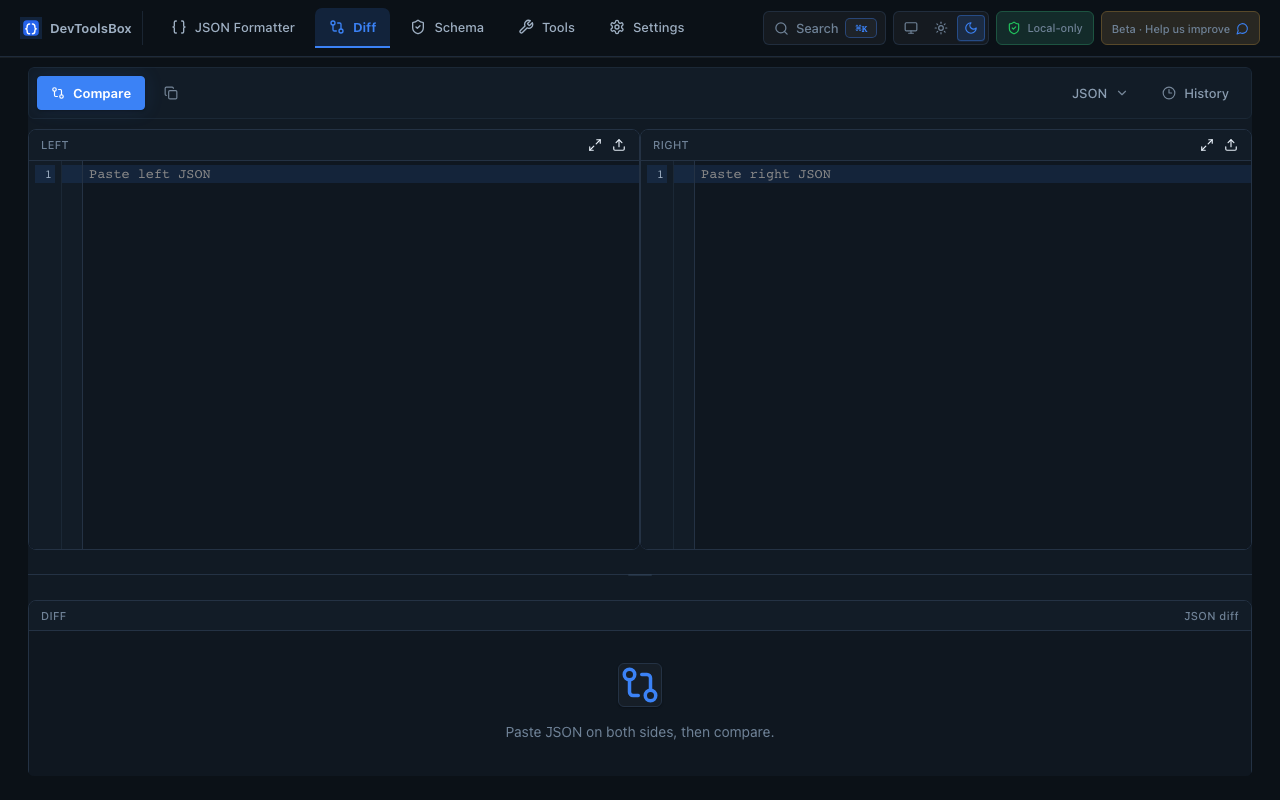
  • JSON DiffCompare API responses and see semantic differences.
  • Schema ValidatorValidate JSON against schemas and generate starter schemas.
  • Quick UtilitiesBase64, URL, timestamp, JWT, UUID, and hash tools.
JSON Diff3 differences
"role": "developer"
"active": false
"role": "engineer"
"active": true
"team": "Platform"
2 added 1 changed 0 removed

Launch with the tools developers use every day.

Each tool can become its own SEO page later, with the working utility embedded directly on the page.

JSON Formatter

Beautify, minify, validate, sort, escape, and inspect JSON.

JSON Diff

Compare two payloads with JSON-aware results and summaries.

Schema Validator

Validate common JSON Schema rules locally in the browser.

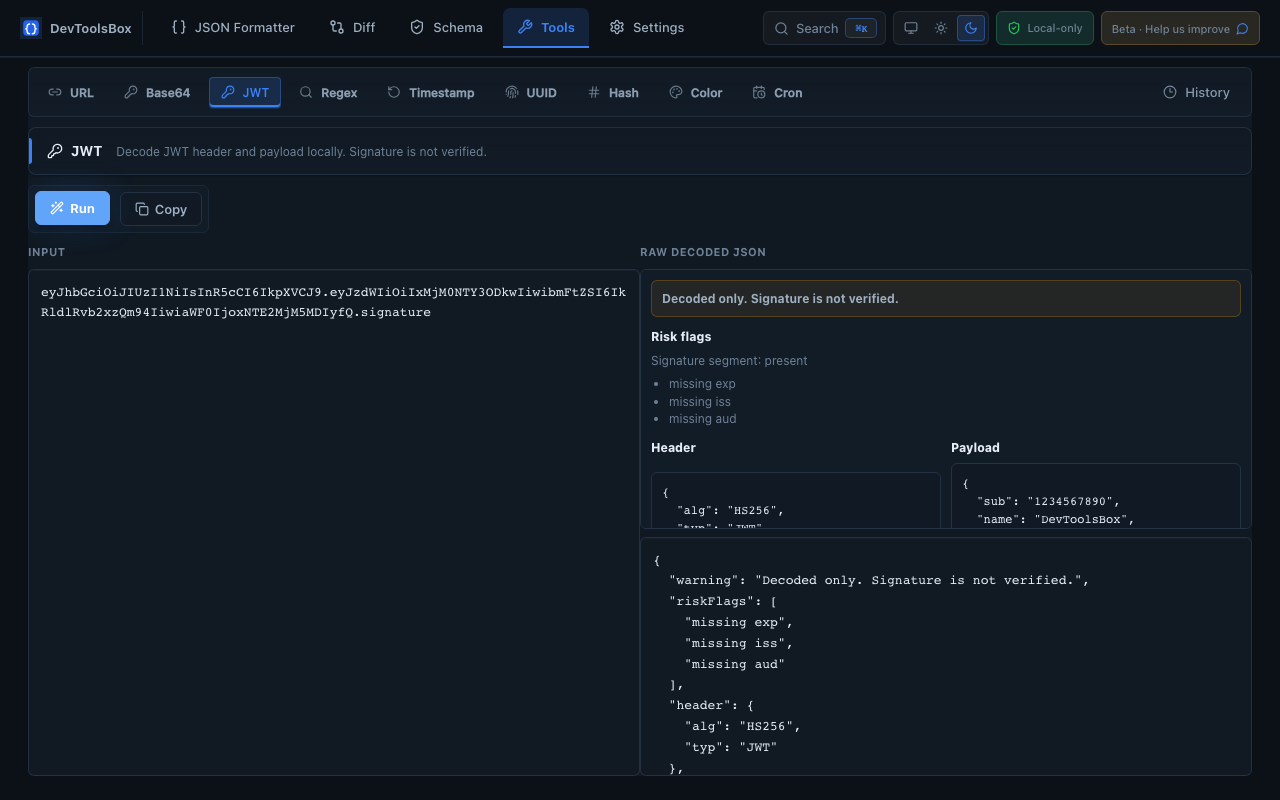
JWT Decoder

Decode header and payload with visible signature warnings.

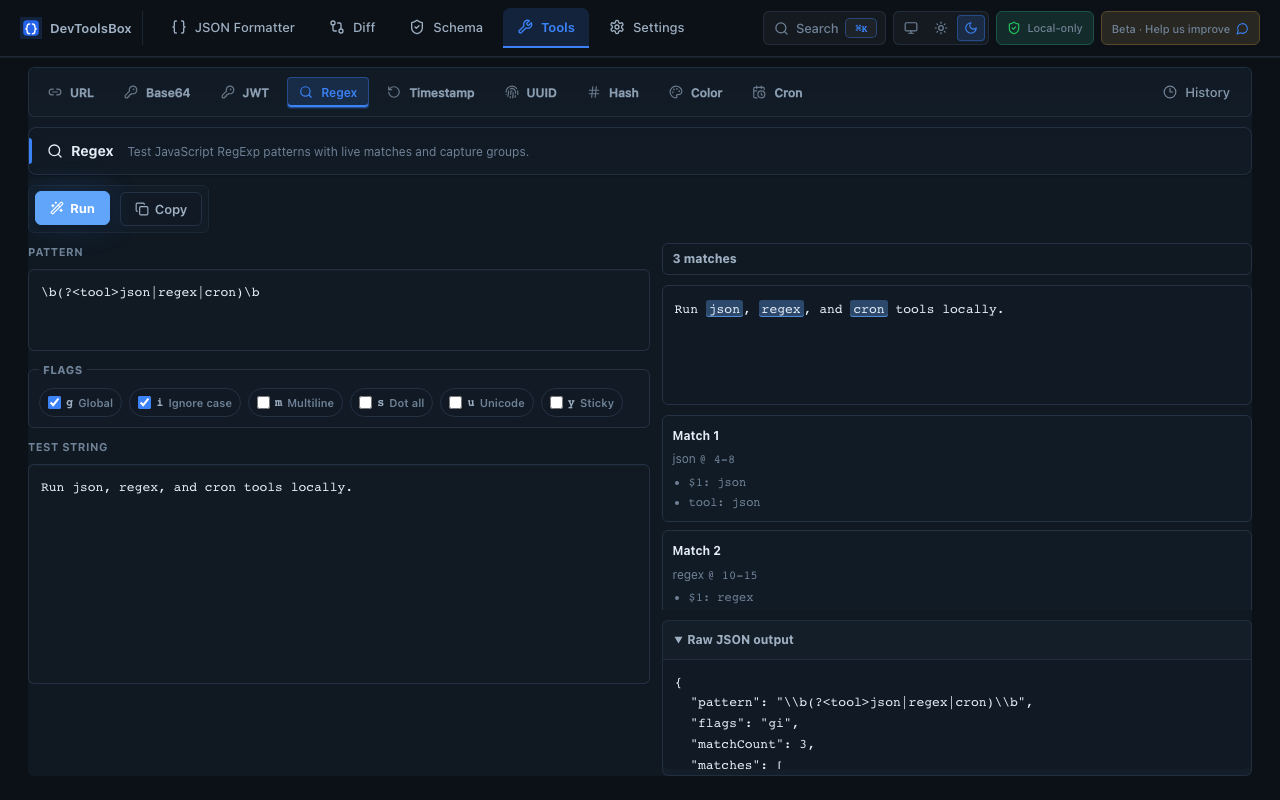
Base64 + URL

Encode and decode everyday strings without leaving the page.

Timestamp Converter

Convert Unix timestamps and human-readable dates quickly.

UUID Generator

Generate UUIDs for testing and development workflows.

Hash Generator

Create common hashes for quick verification and debugging.

Built around the tools developers reach for every day.

Real screenshots can drop into this section when assets are ready. For beta readiness, these clean preview cards show the planned core surfaces.

{ "valid": true, "formatted": true } { "tools": ["json", "jwt", "hash"] }

JSON Formatter

Beautify, minify, validate, sort, and inspect JSON locally.

- "active": false+ "active": true+ "team": "Platform"

Diff

Compare payloads with readable, JSON-aware changes.

Schema Validator

Validate data against schemas without sending it anywhere.

Base64URLUUIDHash

Tools

Quick utilities for everyday debugging and conversion work.

Local historyOff
Sensitive skipOn

Settings

Control history, appearance, and local workflow preferences.

Popup

Jump into common tools from the browser extension popup.

DevToolsBox icon

Local-first by design.

DevToolsBox processes payloads locally in your browser.

We do not upload, store, sell, or track your JSON, JWTs, schemas, API responses, logs, or text inputs.

Local history, if enabled, is stored only in your browser storage.

Sensitive-looking inputs are skipped from history.

No account is required for core tools.

Read the privacy policy
Local processing No uploads or tracking Browser-only history Sensitive inputs skipped

Start free. Upgrade when your workflow grows.

Coming soon

Pro

TBD

  • Unlimited history
  • Large-file mode
  • Advanced conversions
  • AI helpers
Future

Teams

Custom

  • Shared schemas
  • Team collections
  • Audit logs
  • SSO/SAML

Get early access to DevToolsBox

Be the first to try the privacy-first developer toolbox.

Temporary static signup: this opens your email client. TODO: connect a backend waitlist before public launch.

Built for trust, speed, and daily use.

Does DevToolsBox upload my payloads?

No. DevToolsBox processes payloads locally in your browser and does not upload, store, sell, or track your JSON, JWTs, schemas, API responses, logs, or text inputs.

Is it only a Chrome extension?

Chrome is the first release. The roadmap includes web tools, Edge, Firefox, Safari, VS Code, CLI, and team features.

Can I use the web tools without installing?

Yes. The website is designed to become a working tool platform with dedicated pages for each utility.

One toolbox for everyday developer work.

The Chrome extension is coming soon. DevToolsBox is built to keep your workflow fast, private, and local.